Accurately track, manage and report on your team’s time when on location using smart, hardware free, location based tracking.
How it works...

STEP 01
Automate site-specific tracking
Set up a project and if relevant, pinpoint a specific location where your team can clock in and clock out - this allows team members to clock in and out only when within range of your work place.
STEP 02
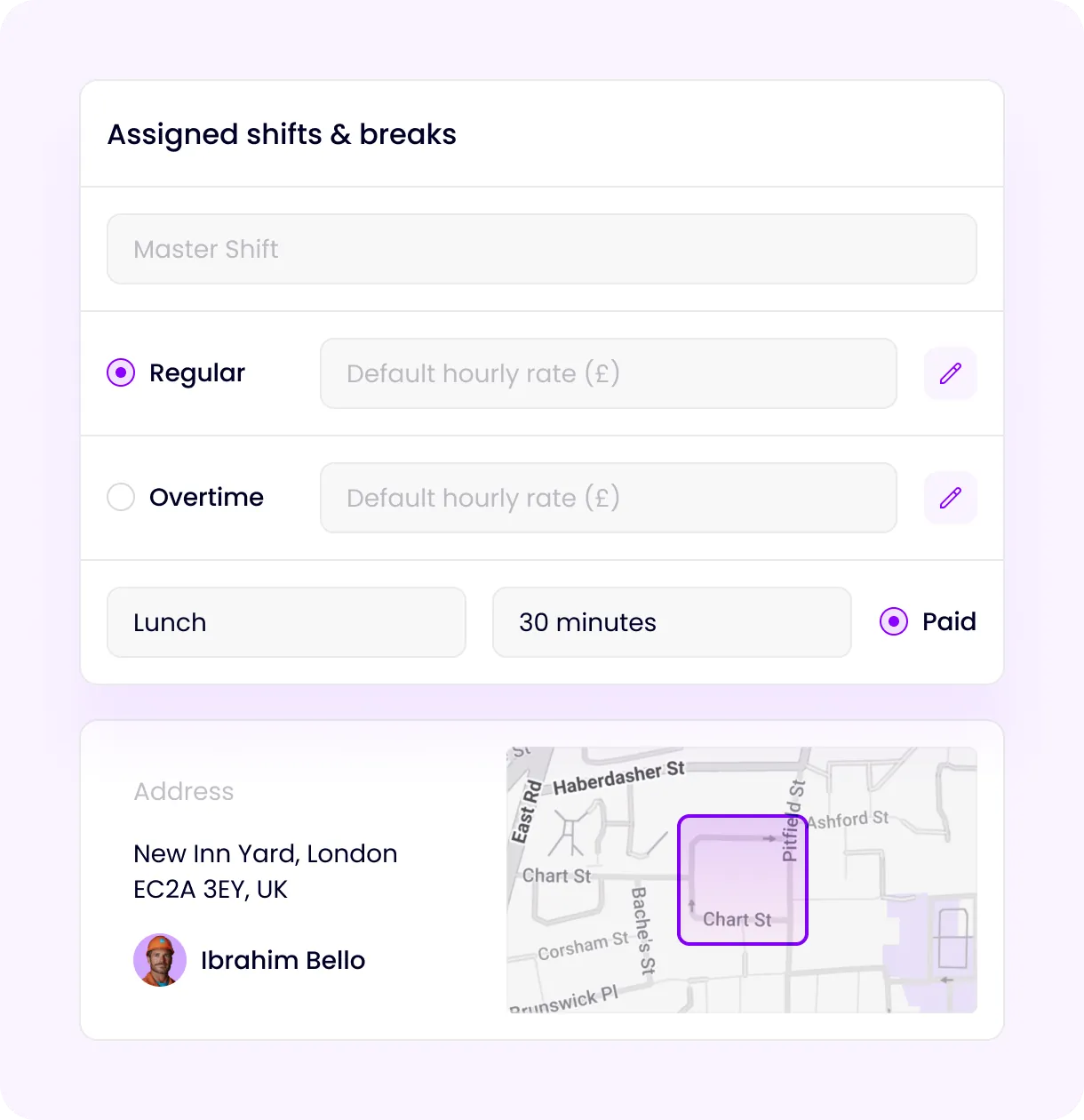
Configure Vyce to match the way your sites work
Add one or multiple shifts to your project or location defining what hours are considered paid working hours, lunches, breaks, overtime etc.
STEP 03
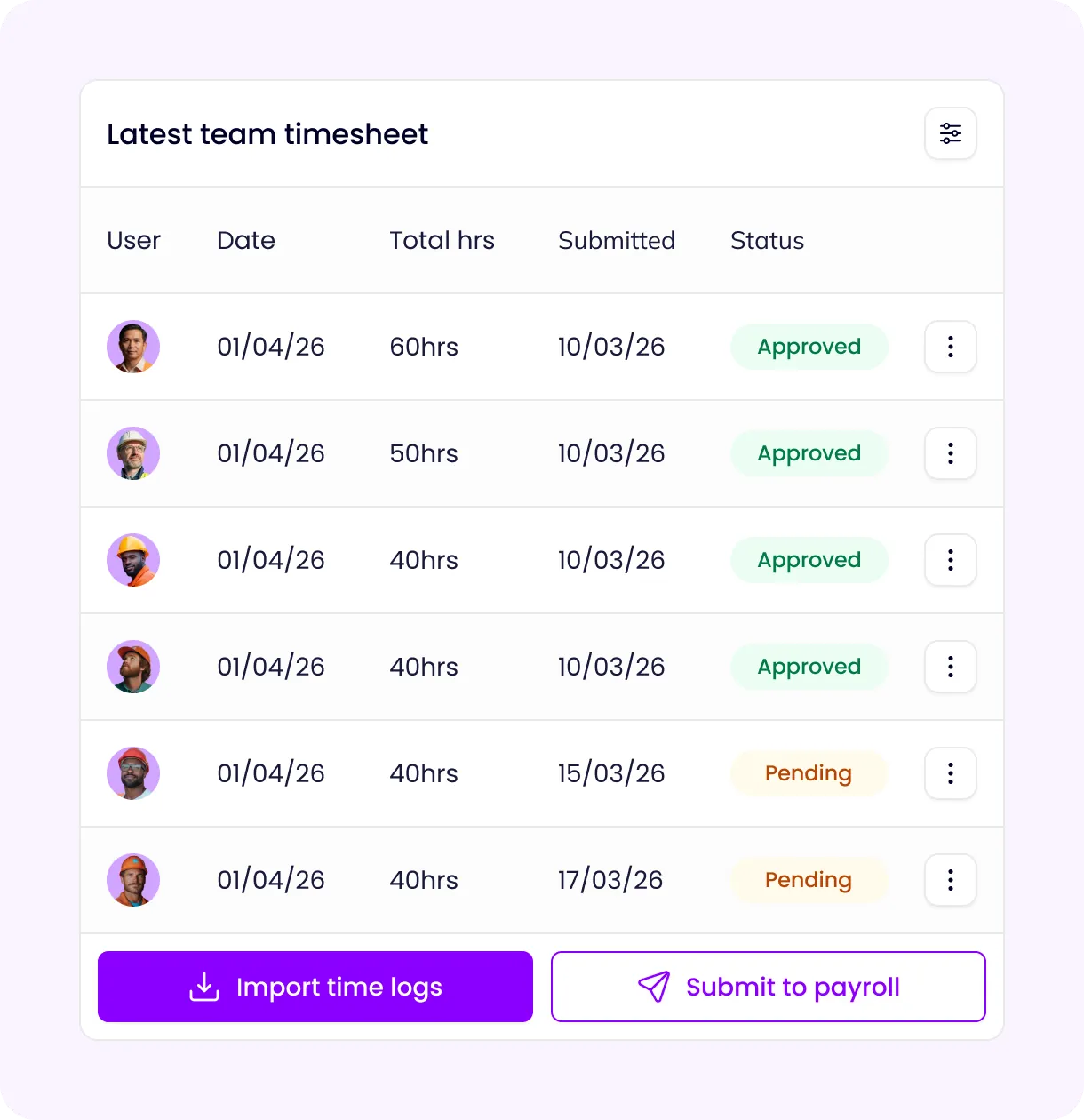
Streamline your approval workflow
If you want your team’s time to be approved at the end of a period, you can add one or multiple levels of approvers. Once approved, timesheets can automatically be transferred to your payroll module for payment.
STEP 04
Get your whole workforce clocked in from day one
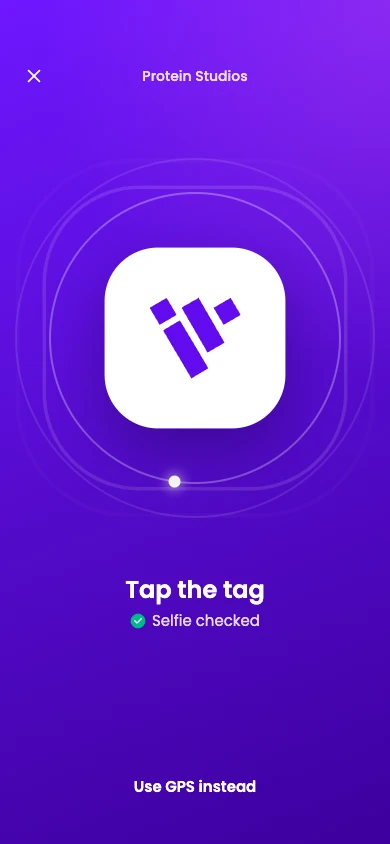
Simply invite team members to download the Vyce Time App and they can get set up and clock in within minutes. Choose how your team clocks in and out at each location: selfie, device biometrics, GPS, NFC, or a combination.
STEP 05
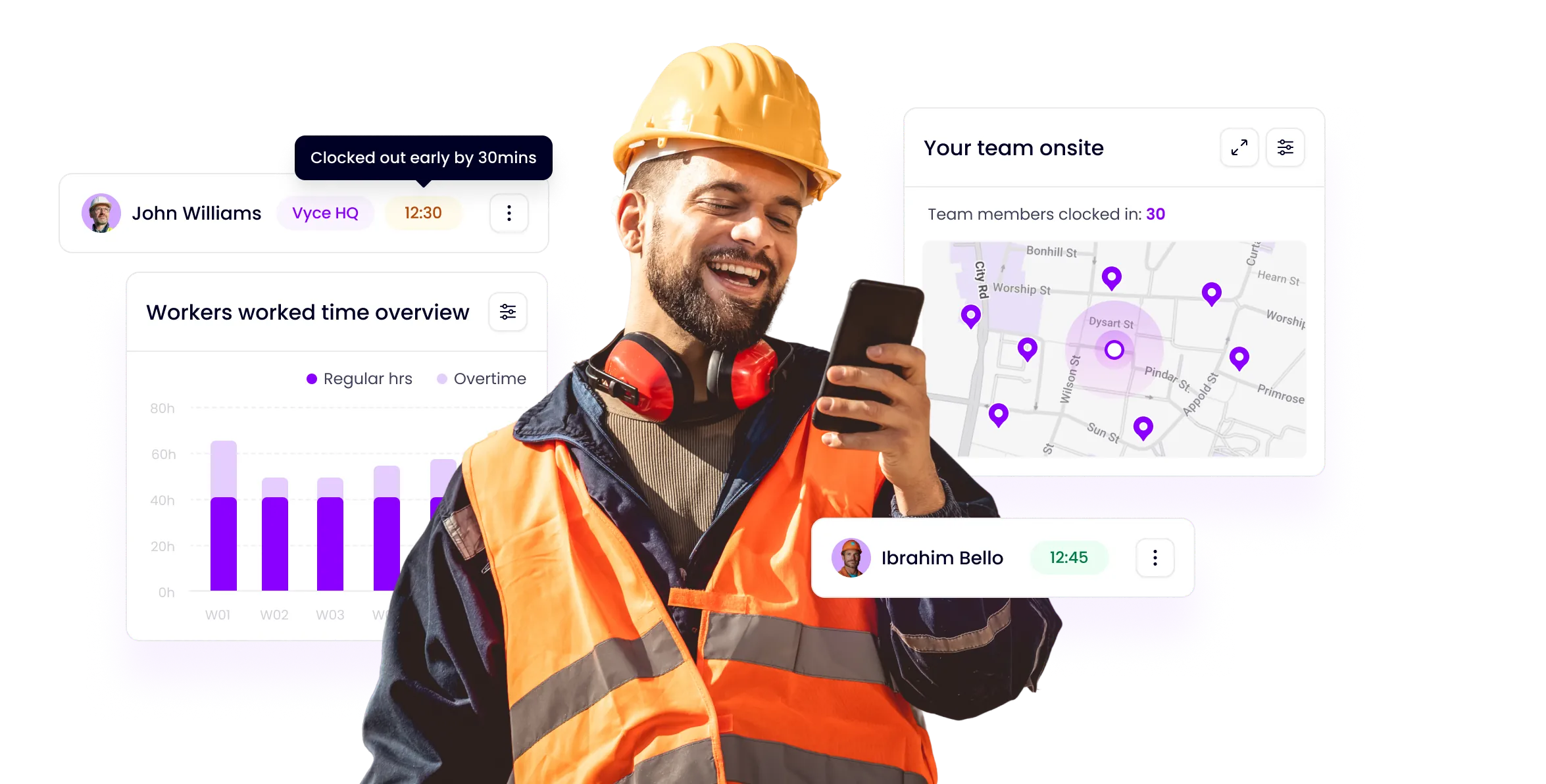
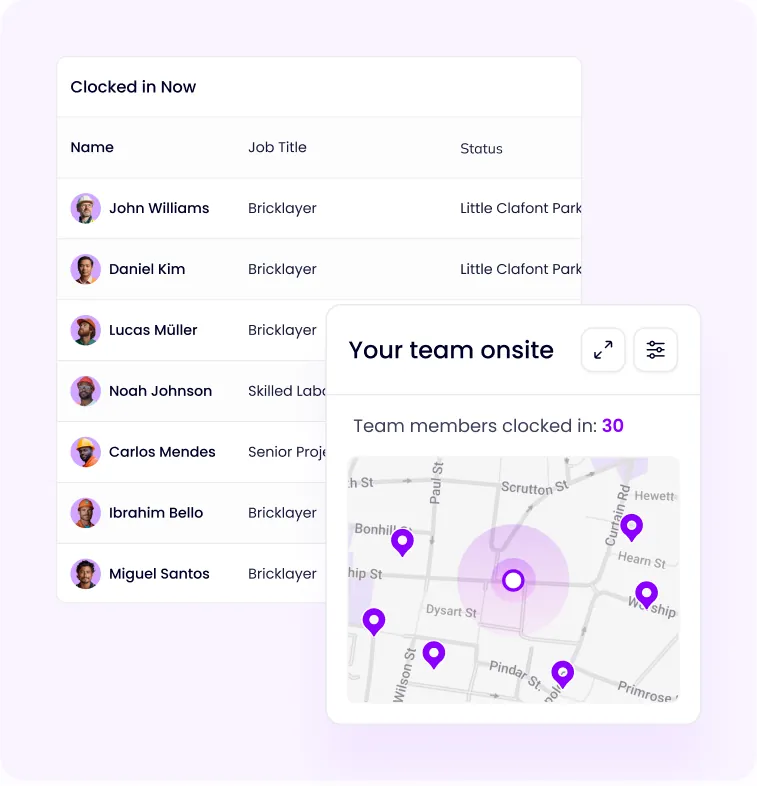
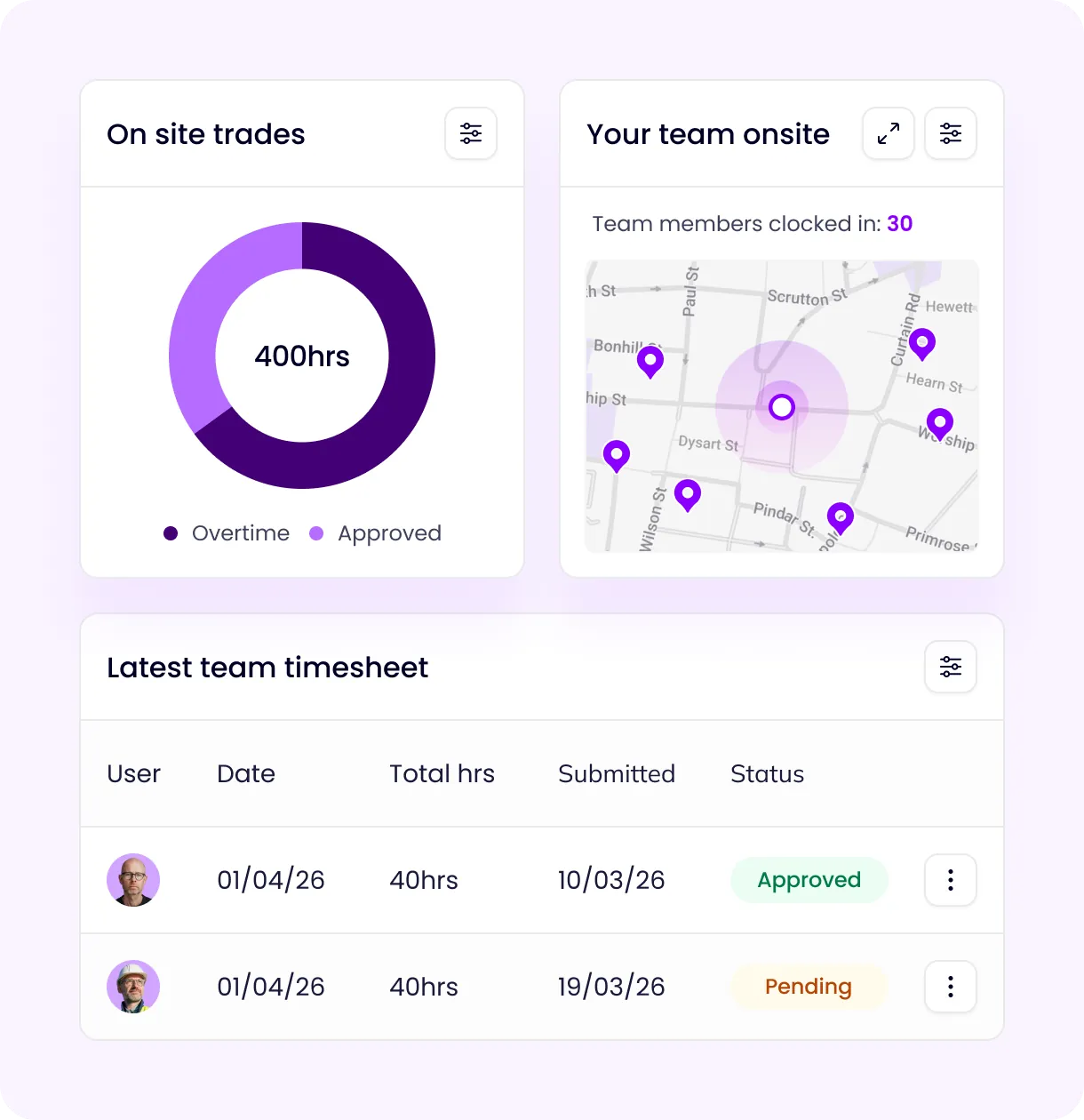
See exactly who's on site, right now
See who’s clocked in on your locations and if required, track the movements of an individual team member. On your real time dashboard you get reports of overall worker hours that help track time more effectively and identify productive and non productive team members.
Vyce NFC
Right place. Quick tap. Clocked in.
Bring clock-in to the exact spot you choose—your site entrance, office or a particular point on the job.
Choose NFC in your location settings and enter your plate’s code. When a team member clocks in or out, Vyce activates their phone’s NFC reader. They tap the plate, and Vyce checks it against the code linked to that location.
Use NFC on its own, or combine it with a selfie, device biometrics or GPS. You decide what works for each location.
Explore Vyce NFC & Checkpoints